AI services

Systems proof lab

Proof I can build the system behind the idea.

These are working prototypes and operating tools, not generic AI demos. Each one shows how messy work can become a clearer dashboard, research flow, assistant, media pipeline, or repeatable business process.

6

systems shown

8

public-safe assets

No

invented outcomes

Nexus dashboard proof preview

Dashboard

Law Agent proof preview

Research

Video Suite proof preview

Media

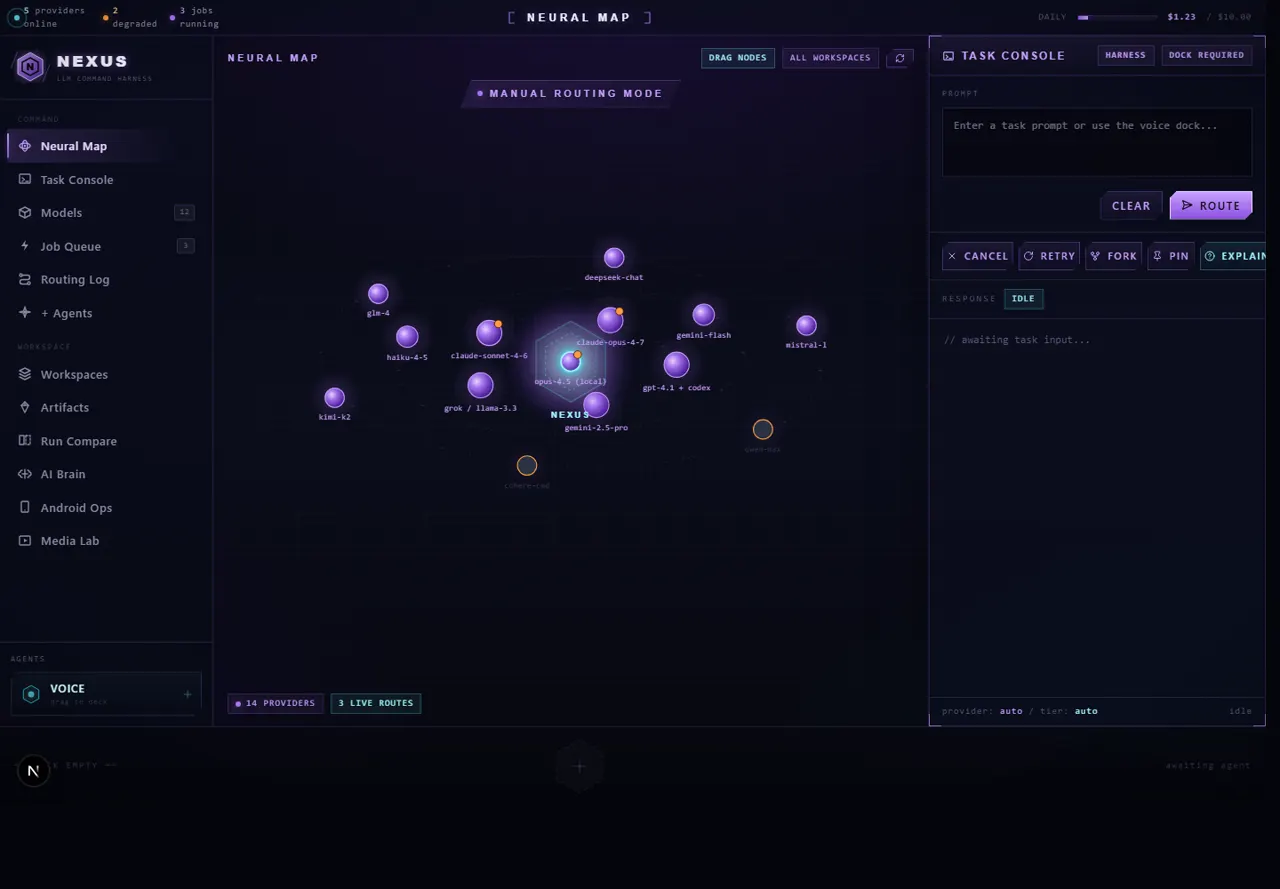
Nexus command dashboard screenshot showing a local AI task console

AI command layer

Screenshot
Active local system

AI command layer

Nexus Command Dashboard

A local dashboard for routing AI work, queueing jobs, and keeping model/tool decisions visible.

What it does

Nexus turns AI work into a command surface: task intake, provider fallback, queue visibility, inline responses, and privacy-first controls around local sources.

What it proves

Dashboard UX, AI workflow routing, provider fallback, local-first architecture, and security-minded product thinking.

Why it matters now

When teams are asked to do more with less, a command dashboard keeps AI work visible, organized, and easier to trust instead of scattered across chats and tabs.

AI routingdashboard UXlocal-first controlsprivacy boundaries
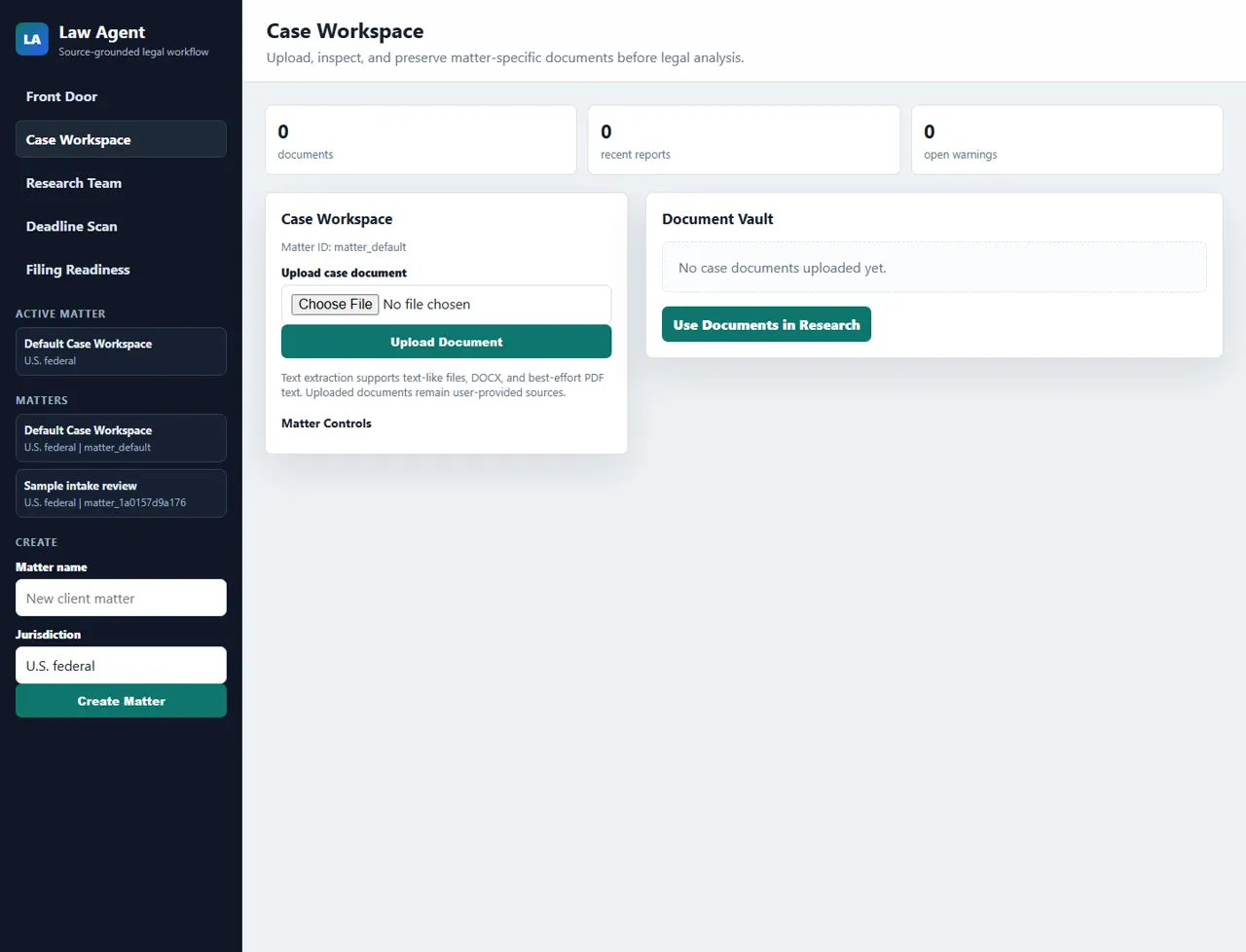
Law Agent workspace screenshot with dummy matter data

Source-grounded research workspace

Screenshot
Runnable prototype

Source-grounded research workspace

Law Agent MVP

A legal research workspace designed around public sources, matter files, citation checks, audit logs, and attorney review.

What it does

Law Agent organizes matters, documents, public legal sources, citation extraction, deadline checks, filing-readiness warnings, and source-bounded research output.

What it proves

High-stakes workflow design, source provenance, document handling, auditability, and careful safety boundaries.

Why it matters now

Research-heavy work is expensive and mistakes are costly. A source-grounded workspace helps people review documents faster while keeping citations, warnings, and human approval visible.

research workflowssource provenanceaudit logsdocument handling

01

Voice

02

Brain

03

Actions

04

Memory

05

Safety

06

Mobile

JADA architecture

Speech, provider routing, memory, consent gates, and desktop actions organized into one assistant system.

Active product build

Voice-first AI assistant

JADA Voice Assistant

A Windows AI assistant architecture with voice input, provider routing, memory, action handlers, safety gates, and a mobile companion path.

What it does

JADA connects speech, a provider-routed AI brain, preflight checks, consent gates, desktop actions, memory, and a companion mobile surface.

What it proves

Multimodal product architecture, voice interfaces, safety-gated automation, persistent memory design, and practical assistant UX.

Why it matters now

Small businesses and solo operators need help that moves as fast as they do. A voice-first assistant can turn repeated computer work into guided actions without giving up control.

voice interfaceassistant architecturememory designsafety gates
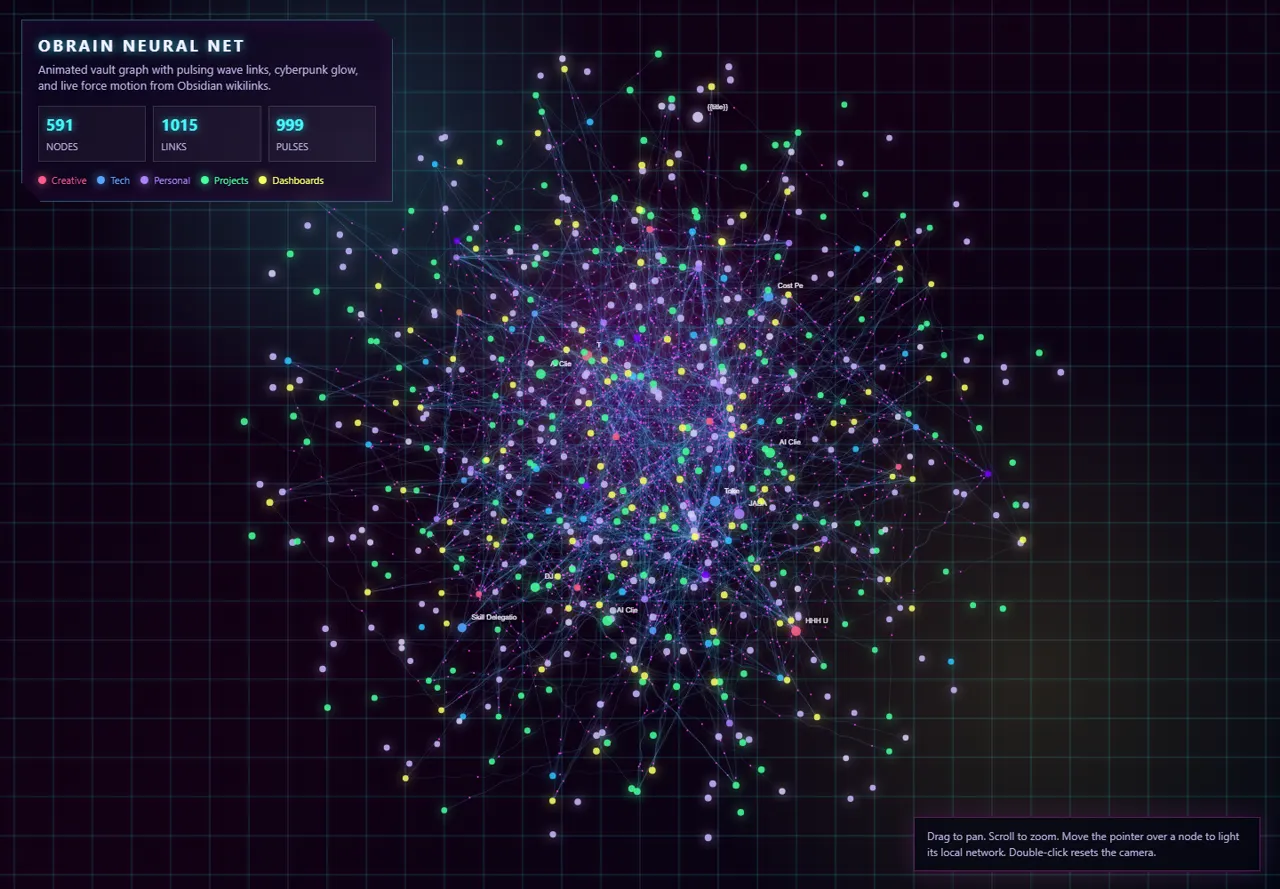
Sanitized OBrain neural graph screenshot

Knowledge and source map system

Screenshot
Active operating layer

Knowledge and source map system

OBrain Operating Layer

OBrain gives Claude and Codex a cross-project navigation layer: source maps, project notes, memory pointers, workflow routing, and graph-style visual context.

Proves

Knowledge architecture, privacy-aware context gathering, source mapping, workflow routing, and visual system thinking.

Useful now

As files, projects, and AI tools multiply, a source map protects time. It helps find the right context quickly without exposing every private folder by default.

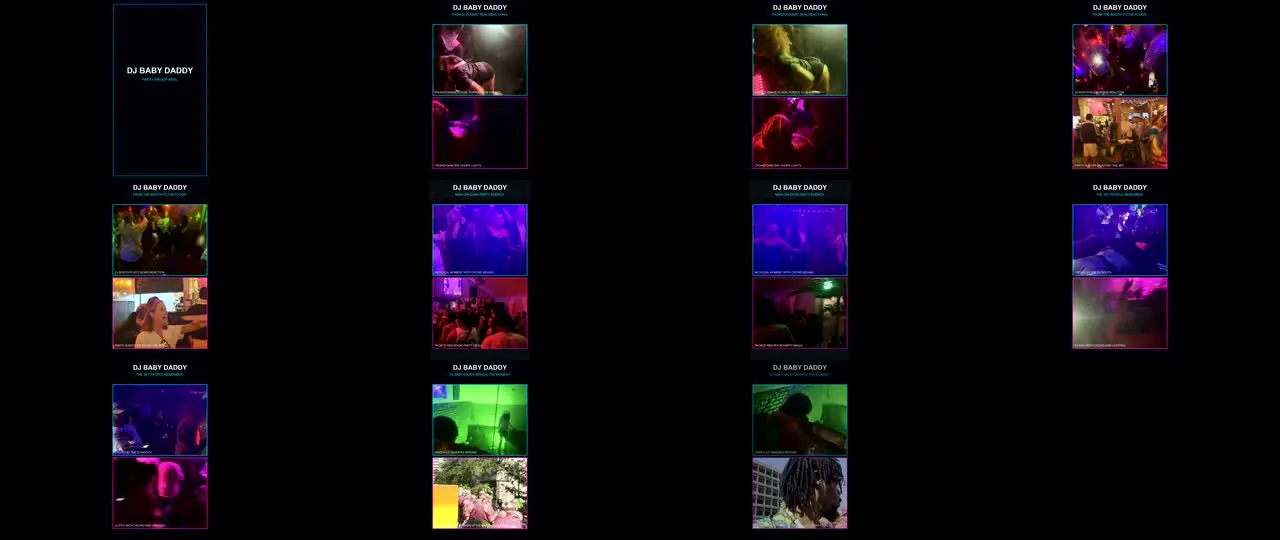
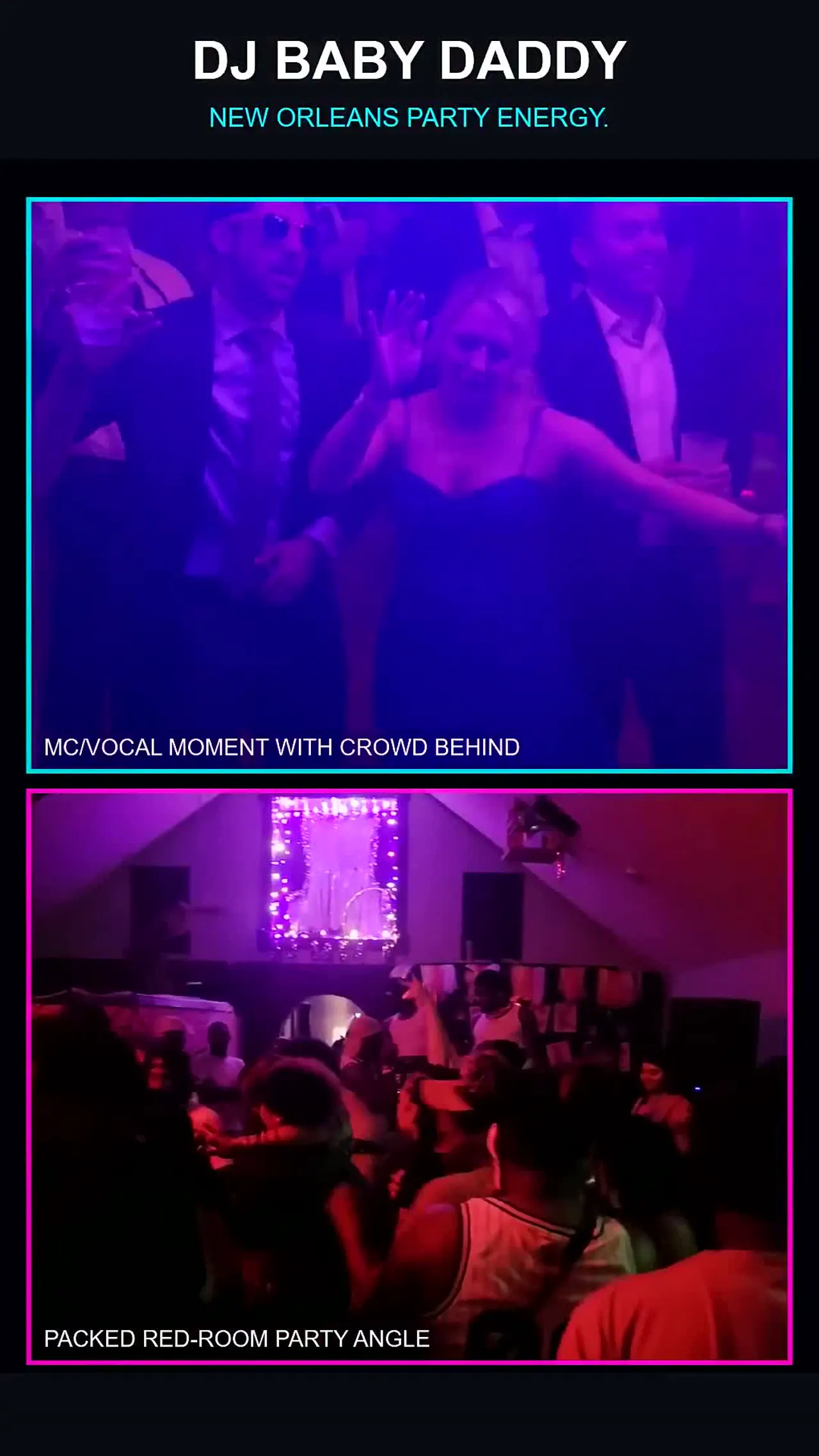
Video Suite contact sheet proof asset

Media workflow system

Screenshot
Active local production lane

Media workflow system

Content Factory Video Suite

The video suite builds repeatable render packages from authorized media: edit plans, contact sheets, thumbnails, exports, status files, and quality checks.

Proves

Content operations, media pipeline design, FFmpeg packaging, QC gates, and practical creative workflow automation.

Useful now

Attention is expensive. A repeatable media workflow helps turn approved footage into usable clips, thumbnails, and proof assets without rebuilding the process every time.

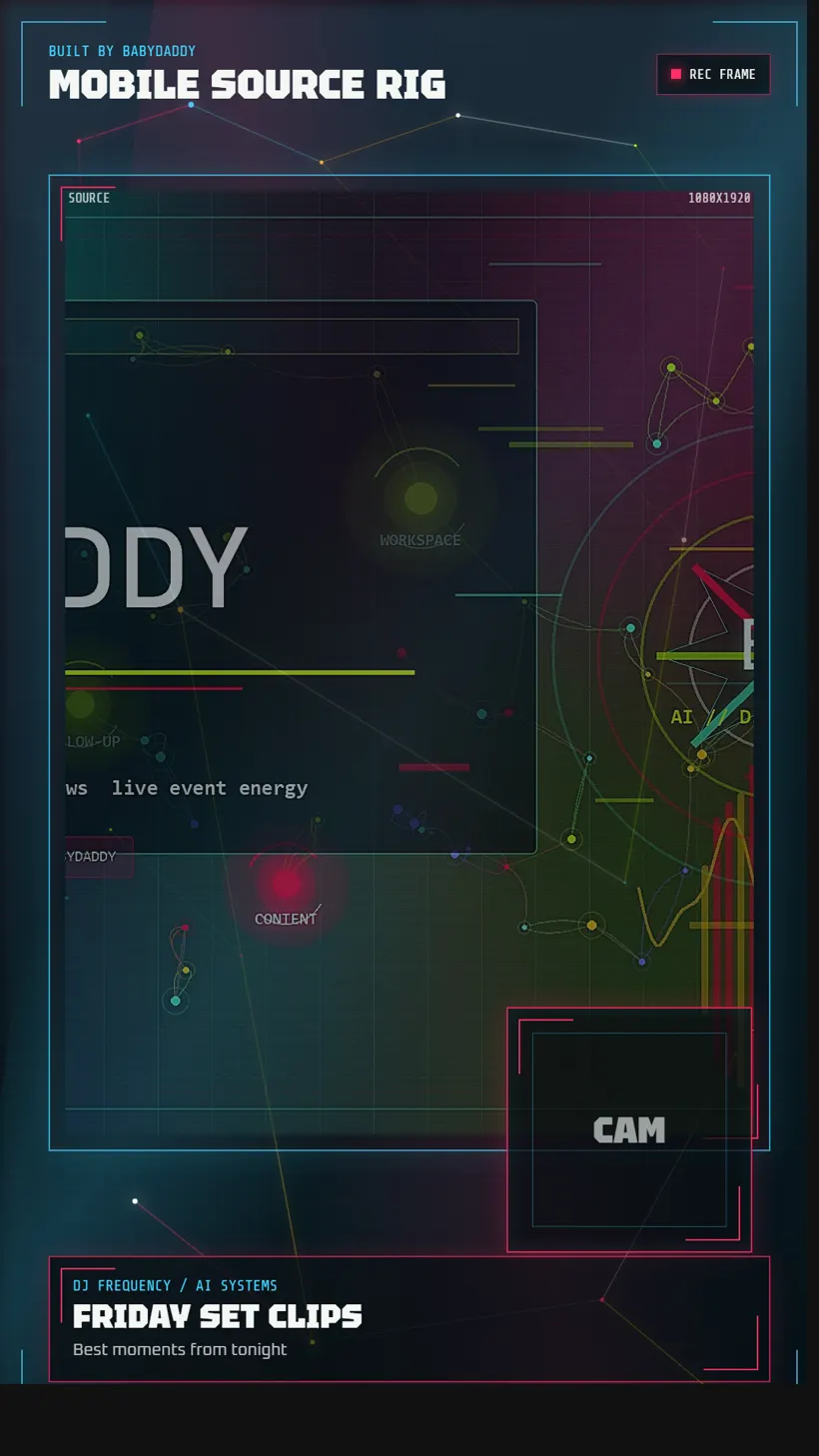
Streaming Content Studio mobile source template screenshot

Creator tooling

Screenshot
Template system

Creator tooling

Streaming Content Studio

The studio sets up portable 1080x1920 capture scenes, overlay layers, browser-source templates, and future automation paths for live content.

Proves

Creator workflow design, OBS scene structure, mobile-first layout, and streaming tool integration.

Useful now

Creators and businesses need fast, polished output across platforms. A prepared scene system reduces setup friction and makes live or short-form production easier to repeat.

What this means for a client

The skill is turning unclear work into a usable first version.

These systems are different on purpose. Together they show the same pattern: map the workflow, choose the right tool path, design the control surface, protect the sensitive parts, and ship something useful enough to test.

Workflow mapping

Turn scattered steps, tools, and files into a visible path.

AI tool control

Route the right work to the right helper instead of guessing.

Source-grounded research

Keep answers tied to documents, public sources, and warnings.

Interface design

Make complex systems usable from dashboards, cards, and control surfaces.

Media operations

Package clips, thumbnails, captions, exports, and QC into repeatable output.

Privacy boundaries

Keep private files, raw media, legal data, and account details out of public work.

Agentic harness engineering

The advanced skill is connecting agents, tools, files, memory, review steps, and human approval into one usable operating system.

These projects show the pieces clients need right now: workflow diagnosis, AI routing, source control, safety gates, private context handling, media automation, interface design, and deployment discipline. That is agentic harness engineering in plain business terms: building the structure that lets AI help with real work without losing the thread, the proof, or the person in charge.

Start here

If your process can be mapped, I can help build the first useful version.

Start with the problem